





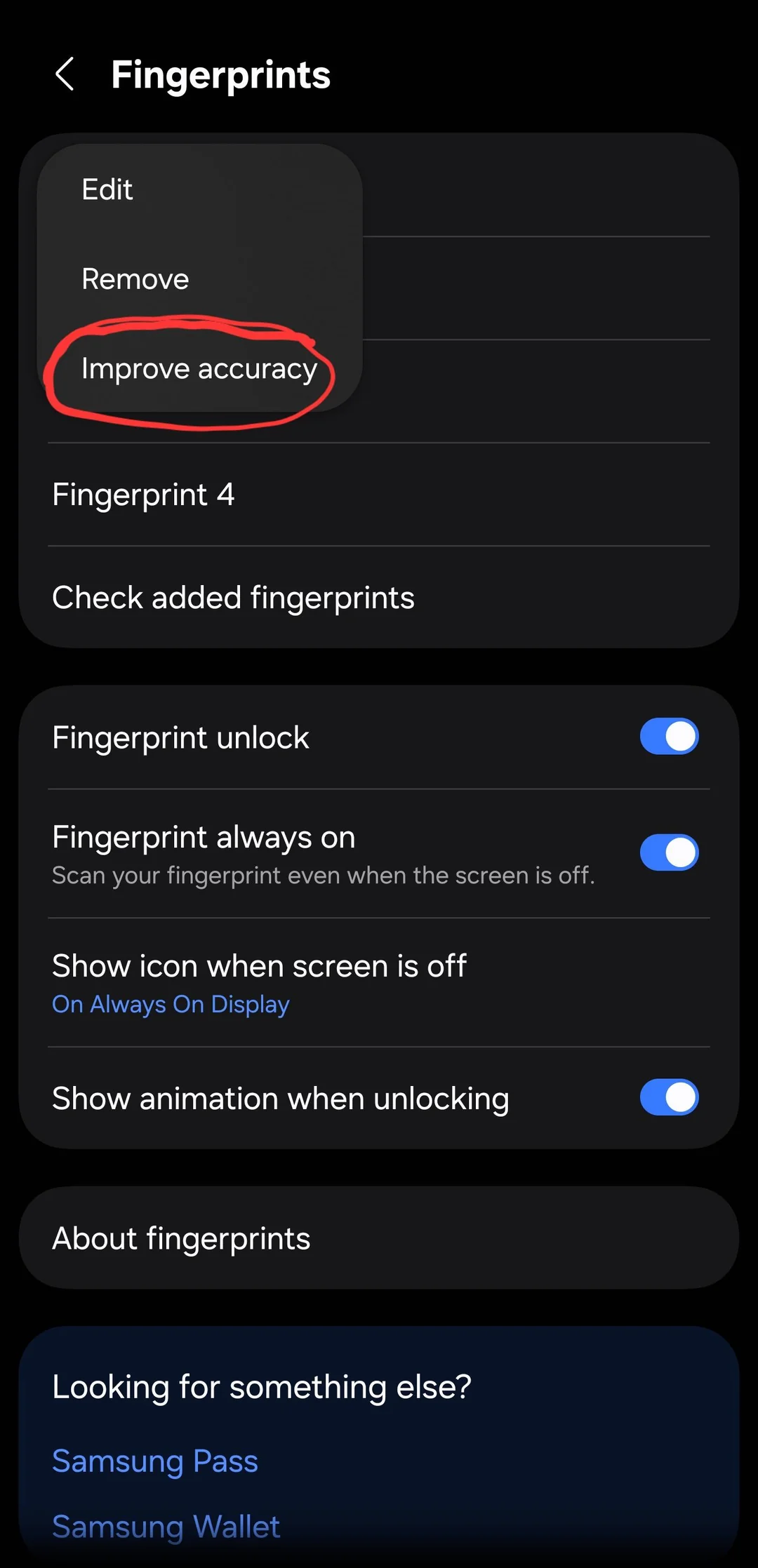
A screenshot shared on Reddit yesterday shows Samsung’s Galaxy S26 Ultra running One UI 8.5 with a new “Improve accuracy” option inside the fingerprint settings. Since this appears to be a software feature, it will likely reach other Galaxy phones when One UI 8.5 rolls out to the stable channel.
The option appears when you tap any saved fingerprint entry. Instead of just Edit and Remove, there is now a third choice: Improve accuracy. Tap it, and the phone asks you to scan the same registered finger 10 times to refine its biometric data without touching or deleting the original fingerprint slot.

Anyone who has replaced a screen protector on a Galaxy phone knows the usual fix: delete the fingerprint, re-register it from scratch.
Some apps, particularly banking and password manager apps, use Android’s Keystore API in a way that ties their biometric login to the device’s enrolled fingerprints. Deleting and re-registering a print can break that link in those apps, forcing you to re-enable biometric login manually. The new ‘Improve accuracy’ appears to sidestep that problem entirely, at least that’s what the OP states after using it.
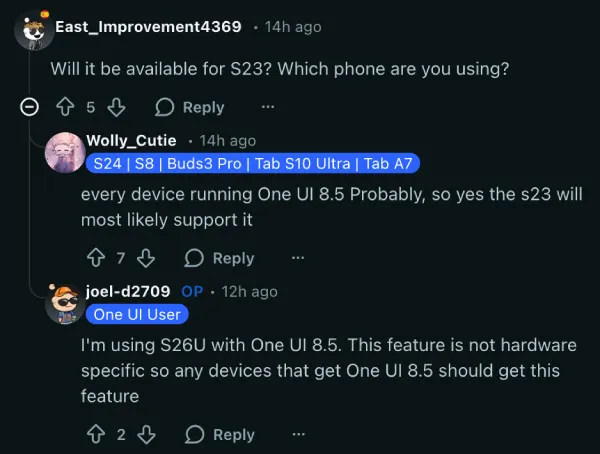
Several users in the same Reddit thread say they are on One UI 8.5 beta on the S25 and do not see the option. The OP says they are on the S26 Ultra and believes the feature will show up in later beta builds or the stable release for other eligible devices, since it is purely software-based.
One person in the thread noted that repeatedly scanning a finger through the “Check added fingerprints” screen used to serve a similar purpose. That may be true, but it was never a labeled, intentional shortcut. A dedicated menu option right next to Edit and Remove is much harder to miss.
For now, the feature appears to be an S26 exclusive, but if One UI 8.5 lands on older Galaxy models with it intact, people who experience issues with fingerprint recognition will likely benefit from it. The S26 Ultra has had a rough reception in some corners so far, with its headline Privacy Display feature drawing the most complaints, so a quietly useful fingerprint improvement like this one is at least a point in its favor.
One UI 8.5 is shaping up to be a fairly substantial update beyond just fingerprints. Samsung is introducing a fully customizable quick panel, a new “Liquid Glass” visual overhaul with redesigned 3D app icons, partial screen recording, smarter Galaxy AI features including Now Nudges for proactive on-screen suggestions, and more.
Featured image edited with AI


Dwayne Cubbins
2239 Posts
I cover fast-moving stories across apps, online platforms, and everyday tech — phones, wearables, consoles, and whatever else people are fighting with this week. Bugs, rollouts, scams, policy enforcement, and the occasional internet-culture rabbit hole are all fair game. My goal is simple — make confusing tech news readable. When I'm not working, I'm working out or chilling with my dog. Got a tip? You can find me on X @dcubbins.
Next article View Article
