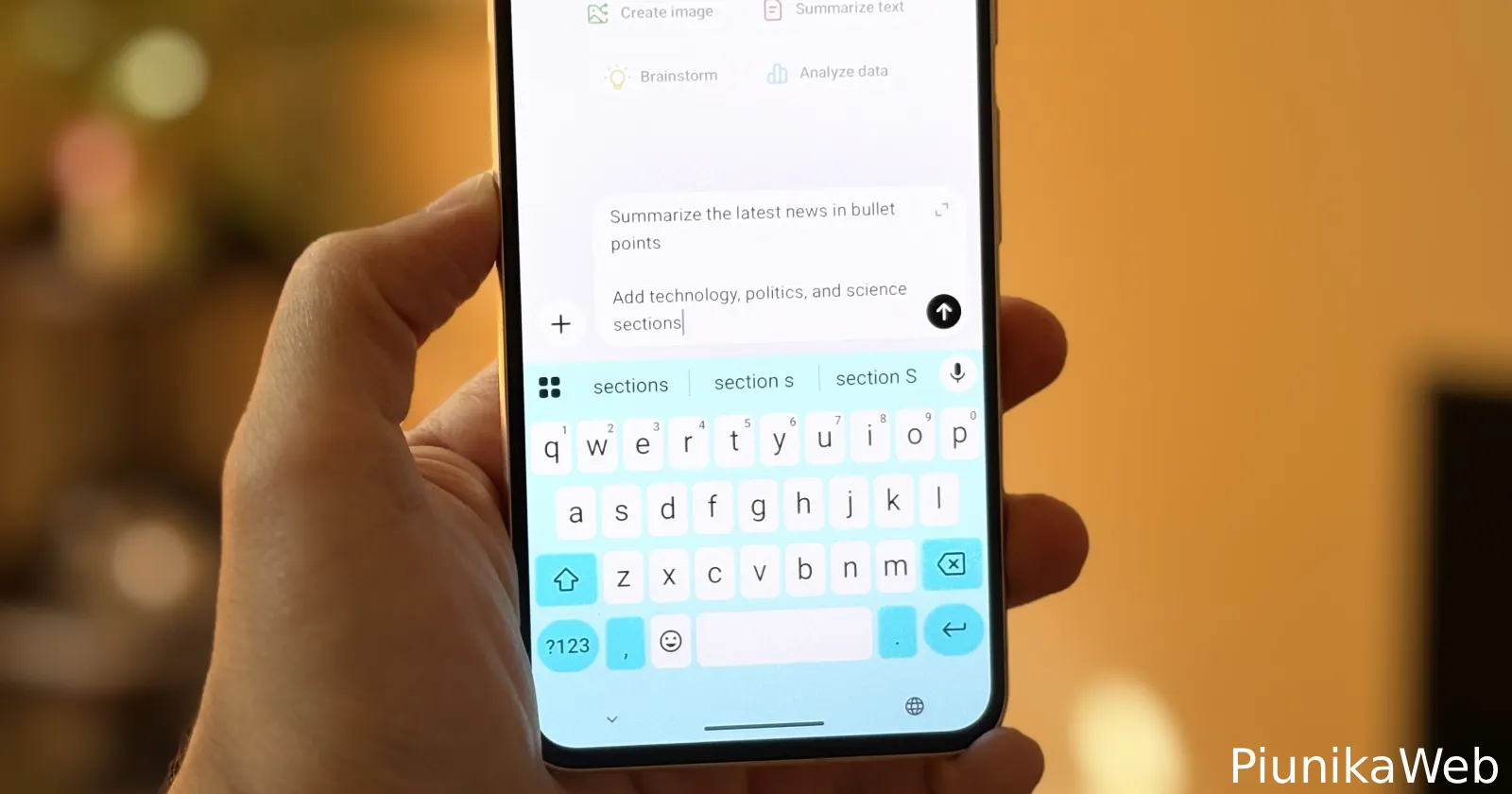
It seems like many ChatGPT users are running into a frustrating problem when using the Android app. Reports suggest that the app is now treating the Enter key as a send button, making it impossible to write multiline prompts the normal way.
Complaints about the issue started popping up in the last day or so. One user described the issue, noting, “I can’t create separate paragraphs in my prompts without typing out a bunch of spaces.” Their post got 69 upvotes and several comments from others who claim to be stuck in the same boat.
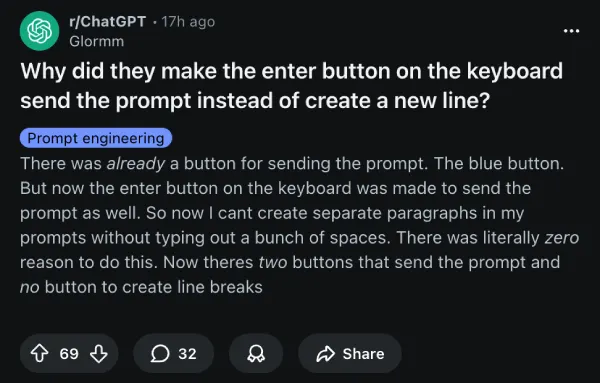
Similarly, another thread on Reddit also has multiple users saying they are frustrated with the bug, since they keep hitting the Enter button because of muscle memory. There’s also a complaint on X where user @PrometheusCHT tagged OpenAI heads seeking a response.
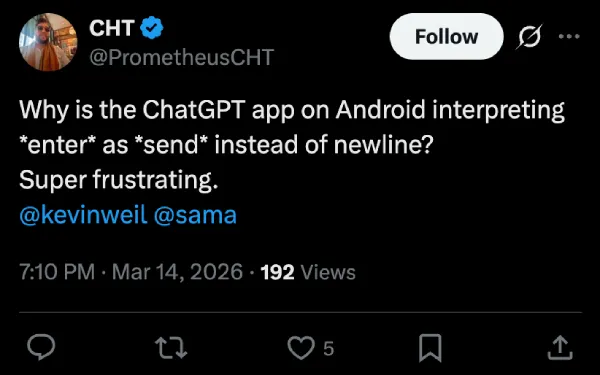
Interestingly, it appears that it’s not happening to everyone. A number of Android users say Enter still inserts a newline for them, which points to either A/B testing, a staged rollout, or a keyboard-specific glitch.
Reading through the comments, it’s starting to look like Microsoft SwiftKey may be the culprit here, or at least part of the picture. Multiple users who switched away from SwiftKey to Gboard reported that the issue went away. One user who had been on SwiftKey confirmed the problem persisted even after clearing the cache and reinstalling the app, but it disappeared after changing the default keyboard.
In my own testing, I wasn’t able to reproduce the problem on any Android device using Gboard. So my experience lines up with what users are saying.
The suggested fix is pretty straightforward: open the Play Store, install Gboard, then go to Settings > General Management > Keyboard and set it as the default. A few users noted the Samsung keyboard has the same issue as SwiftKey, so if you’re on a Galaxy device, that’s worth knowing.
OpenAI hasn’t acknowledged the issue publicly, and it’s most likely that the issue will quietly be fixed without an official word. That said, in the meantime, the most reliable workaround is to just switch your keyboard to Gboard and try again.


Dwayne Cubbins
2239 Posts
I cover fast-moving stories across apps, online platforms, and everyday tech — phones, wearables, consoles, and whatever else people are fighting with this week. Bugs, rollouts, scams, policy enforcement, and the occasional internet-culture rabbit hole are all fair game. My goal is simple — make confusing tech news readable. When I'm not working, I'm working out or chilling with my dog. Got a tip? You can find me on X @dcubbins.
Next article View Article