Roku is one of the well-known services that delivers a comprehensive and user-friendly streaming experience to people across the globe.
The platform caters to the diverse entertainment needs of users with its extensive channel lineup, customizable interface, and advanced features.
It also has dedicated clients for different platforms, which makes it easy for one to enjoy watching the movies or shows that they like. However, some are experiencing issues.
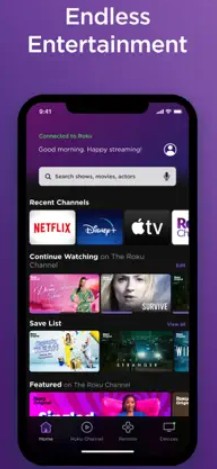
Roku mobile app not working or stuck on loading screen
According to reports (1,2,3,4,5,6,7,8,9,10), multiple Roku subscribers are facing an issue where the mobile app is not working properly.
Some assert that the app fails to launch and often gets stuck at the purple splash screen for an indefinite period of time. They also say that they have to reinstall the app every time they want to use it.
While others allege that they get a ‘something went wrong’ error when opening the app on their smartphone. And sadly, tinkering with settings or uninstalling and reinstalling it could not help them get rid of this glitch.
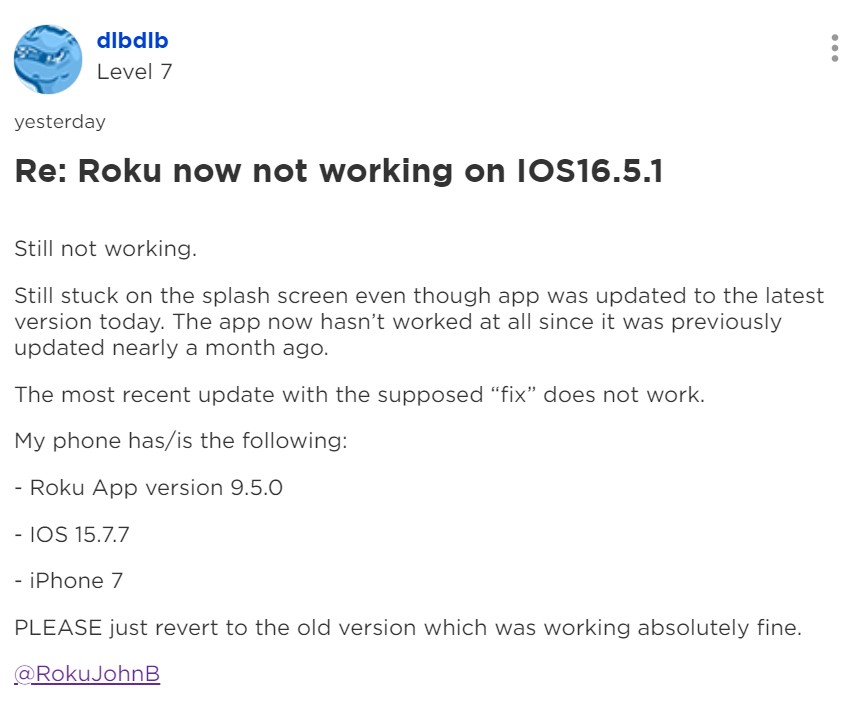
Notably, the issue has been persistent for the past few months and affects both iPhone and iPad users.
One of those affected says that the Roku app for iPad has stopped recognizing their Roku TV unit after installing the recent update. They mention that they are only displayed the device name and a buffering circle.
Another adds that they can no longer use the app on their iPhone as a remote control.
The Roku app for iPad stopped recognizing my Roku TV after the last update. I tried deleting the app the reinstall it from the App Store. It won’t load.
Source
I’ve been using the Roku mobile app as a remote from my iPhone. But now it won’t work, the mobile app itself just gets stuck on the load screen forever.
Source
Those impacted are now once again requesting the developers to fix this glitch so that they can binge watch the content that they like.
Official response
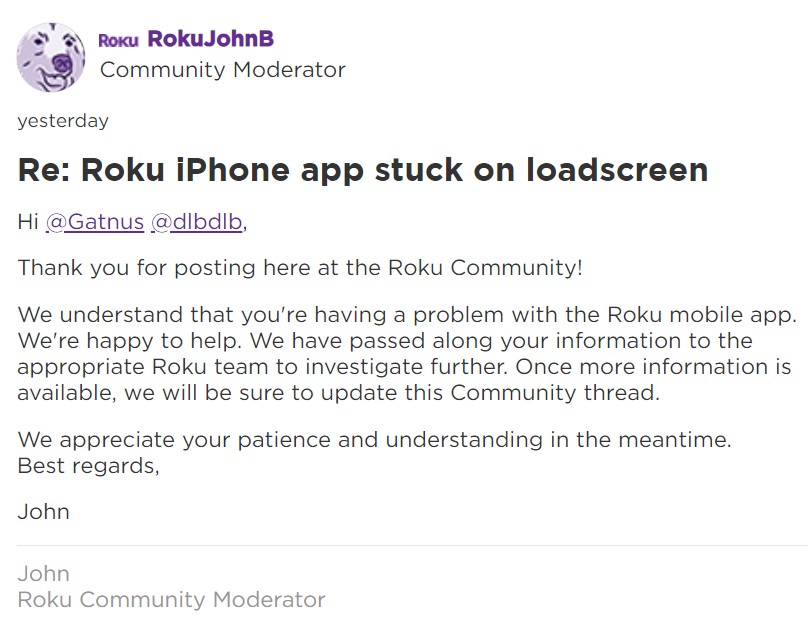
Fortunately, a Roku Community Moderator has responded to the matter and stated that the information has been passed along to the appropriate team for further investigation.
However, no official ETA for the bug fix has been provided.
We are hopeful that Roku will resolve this problem soon.
Having said that, we’ll continuously monitor the issue where the Roku mobile app is not working or gets stuck on the loading screen on iOS devices, and update the article with the latest information.
Note: There are more such stories in our News section, so be sure to follow them as well.
Featured Image: Roku
PiunikaWeb started as purely an investigative tech journalism website with main focus on ‘breaking’ or ‘exclusive’ news. In no time, our stories got picked up by the likes of Forbes, Foxnews, Gizmodo, TechCrunch, Engadget, The Verge, Macrumors, and many others. Want to know more about us? Head here.

We stand out from the tech-media crowd because we break news stories; we mainly bring you stuff that you won’t find anywhere in the mainstream tech media. Our stories have been picked up by some of the world’s most popular websites and media outlets—more info is available here.
Tags
Roku for mobile Roku for mobile broken Roku for mobile not working Roku for mobile something went wrong Roku for mobile stuck on loading screen Roku mobile app Roku mobile app broken Roku mobile app not working Roku mobile app something went wrong Roku mobile app stuck on loading screen
Kanav Sood
715 Posts
I love technology and like to talk about the latest news in the Tech industry.
Next article View Article